

 Ask AI


Payment links linked to a booking
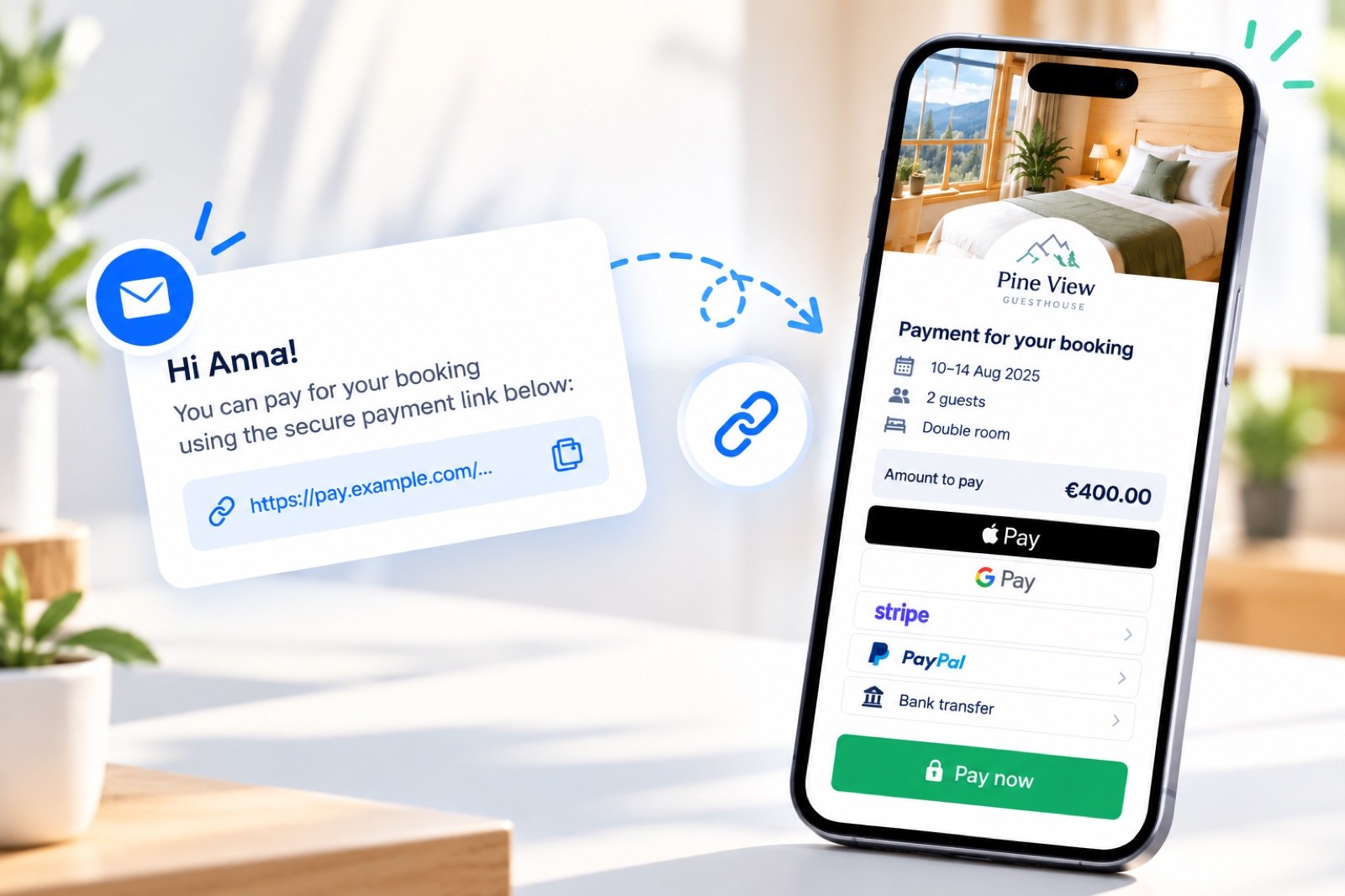
Guests can pay a deposit, balance, or full amount through a link sent from the booking. Payments are recorded automatically, so you don't need to check bank transfers manually.
What it is
A payment link is a link to an online payment page for a specific booking and amount: a deposit, balance, the full price of the stay, or additional services. It replaces a message with your bank account number and the need to check later whether the transfer has arrived.
How it works
The link is associated with a booking and has an expiry date. The guest opens it from a message or scans the QR code, sees a summary of the stay and the amount, chooses a payment method, and pays through the payment provider. Once paid, the payment is recorded in the booking, and the link gets the status “Paid”.
A link can be sent automatically in an automated message template—for example, a deposit immediately after booking and the balance before arrival. A booking can have one active link at a time. Link history shows when the guest opened and paid through the link, and you can issue a refund for a paid link.
We explain how to configure payments by link in the article Payment link configuration.