

 Ask AI


MCP Server: mobile-calendar in Claude and ChatGPT
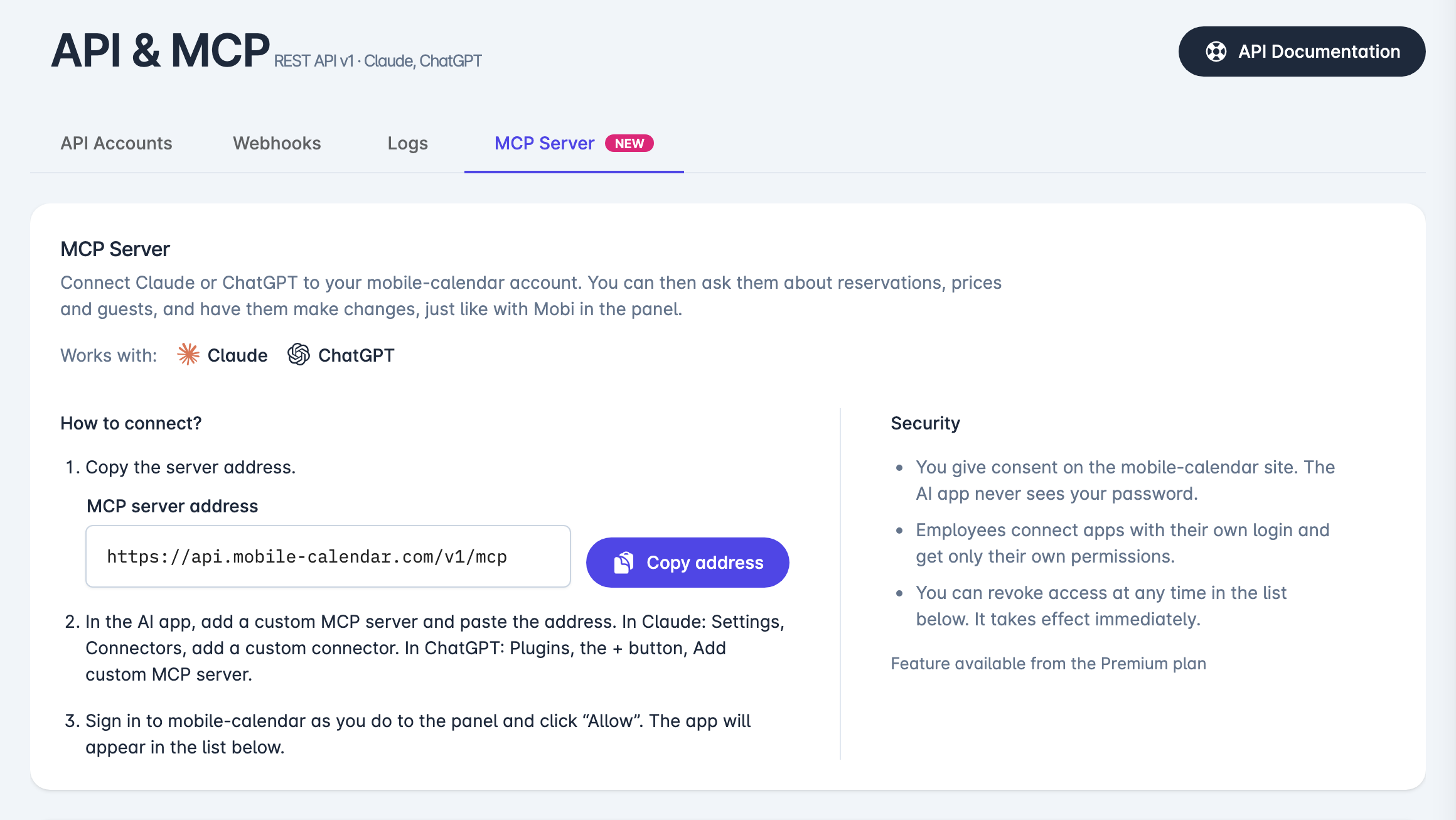
You can now connect your mobile-calendar account to Claude or ChatGPT. Ask about bookings, rates, and guests, and request changes in the AI app you use every day.
What it is
The MCP server connects your mobile-calendar account to an external AI app: Claude or ChatGPT. It is designed for people who already work with one of these apps and want to access their property data there. The feature is available with the Premium subscription.
How it works
You connect the app once. You grant access on the mobile-calendar website, so the AI app never learns your password. From then on, you can ask it things like which guests are arriving tomorrow, what the rates are for selected dates, or what the occupancy is for a given month. You can also request changes, such as adding a booking or raising rates during the high season.
The app operates with the permissions of the person who connected it: an employee's app has only their permissions and assigned rooms. A connected app cannot see door codes or payment card data, and it cannot reduce a rate by half or more. Account data, including guest data, is sent to the AI app provider, so only connect an app you trust.
The account owner receives an email when a new connection is made. You can revoke access at any time, and check what the app has done in the logs.
Read more about the feature in the article What is the MCP Server?, and find step-by-step connection instructions in How to set up an MCP connection?.